Blog categories

My blog posts and tweets are my own, and do not necessarily represent the views of my current employer (ESG), my previous employers or any other party.

I do not do paid endorsements, so if I am appear to be a fan of something, it is based on my personal experience with it.

If I am not talking about your stuff, it is either because I haven't worked with it enough or because my mom taught me "if you can't say something nice ... "

From EMC World 2013: Backup/Archive (video)

This week, I sat down to do a short video for TechTarget on what I was finding interesting at EMC World 2013:

  • EMC’s Data Protection Suite, as a new way to acquire and consume the range of EMC backup software
  • The differences between Backup and Archiving, and what EMC’s solutions are doing about it

And while I was here, I had the chance to plug ESG’s upcoming Market Landscape Report on disk-based target systems, which covers EMC Data Domain, among others.

Here is the video – originally posted on TechTarget:


For the original video and the accompanying article, click here.

As always, thanks for reading.

vBlog: Regulatory Compliance vs Operational Readiness (3 of 4): HIPAA

This month, I am taking a look at the differences between ‘Regulatory Compliance’ and ‘Operational Readiness’ through a series of videos.

Regulatory Compliance

The efforts to check the boxes before audits – often mandated by an industry (e.g. HIPAA), corporate (SOX) or legal (DOD 5.015.2-STD).

Operational Readiness

The IT efforts to ensure that key IT systems and data are resilient through high availability (HA), disaster recovery (DR) or business continuity (BC) technologies and services.

RCOR-checklist

RCOR-infra

First, I did an overview of the dichotomy between regulatory compliance and operational readiness (BC/DR/HA).

Last week, I looked at regulations that affect US financial institutions (SEC) and publicly-held companies (SOX).

This week, we’ll look at healthcare organizations and their regulatory mandates in HIPAA.

Week 3: Healthcare Organizations

Next week, we’ll look closer at what IT professionals delivering data protection in government organizations, agencies and contractors that are regulated by CO-OP.

Thanks for watching.

[Originally Posted on ESG’s Technical Optimist.com]

vBlog: Regulatory Compliance vs Operational Readiness (2 of 4): SEC and SOX

This month, I am taking a look at the differences between ‘Regulatory Compliance’ and ‘Operational Readiness’ through a series of videos.

Regulatory Compliance

The efforts to check the boxes before audits – often mandated by an industry (e.g. HIPAA), corporate (SOX) or legal (DOD 5.015.2-STD).

Operational Readiness

The IT efforts to ensure that key IT systems and data are resilient through high availability (HA), disaster recovery (DR) or business continuity (BC) technologies and services.

checklist

infrastructure

Last week, I did an overview of the dichotomy between regulatory compliance and operational readiness (BC/DR/HA).  For the next few weeks, I will take closer looks at specific segments of companies and their respective regulations.

This week, let’s take a look at the regulations that affect US financial institutions (SEC) and publicly-held companies (SOX).

Week 2: Publicly-held Companies and Financial Institutions

Next week, we’ll look closer at what IT professionals delivering data protection in healthcare organizations should know about HIPAA.

Thanks for watching.

vBlog: Regulatory Compliance vs Operational Readiness (1 of 4)

This month, I am taking a look at the differences between ‘Regulatory Compliance’ and ‘Operational Readiness’ through a series of videos.

Regulatory Compliance

The efforts to check the boxes before audits – often mandated by an industry (e.g. HIPAA), corporate (SOX) or legal (DOD 5.015.2-STD).

Operational Readiness

The IT efforts to ensure that key IT systems and data are resilient through high availability (HA), disaster recovery (DR) or business continuity (BC) technologies and services.

RCOR-checklist

RCOR-infra

For the next four weeks, I’ll take a look at some regulatory mandates and try to glean some pragmatic IT ideas for data protection from them. So come back each Tuesday in April.

Week 1: Overview of Regulatory Compliance vs. Operational Readiness

Next week, we’ll look closer at what IT professionals delivering data protection in publicly traded companies should know about Sarbanes-Oxley (SOX) and the SEC rules.

Thanks for watching.

[Originally posted on ESG’s Technical Optimist.com]

Discussing Data Protection with IBM

Last week, I had the opportunity to sit down with Tom Hughes and Todd Watson from IBM.  We talked about three IT trends that are disrupting traditional data protection strategies and legacy approaches:

  • Highly Virtualized / Private Cloud Infrastructures
  • Cloud-based Solutions for backup & storage
  • Bring Your Own Device (BYOD) for endpoint protection

Here is the video:

As always, thanks for watching.

[Originally posted on ESG’s Technical Optimist.com]

Windows IT Pro article – Understanding DPM2012

Windows IT Pro : Understanding Data Protection Manager 2012Windows IT Pro : Understanding Data Protection Manager 2012

The nice folks at Windows IT Pro magazine recently published an article that I wrote on Data Protection Manager within Microsoft System Center 2012.

According to Enterprise Strategy Group (ESG) research, the number-one IT spending priority in 2012 was improving data backup and recovery, tied with increased use of server virtualization. Interestingly enough, improving business continuity or disaster recovery (BC/DR) scored in the top 10 as well. There are a few key reasons:

  • First, commoditization of virtualization has made many IT processes easier but makes backups more difficult.
  • Second, data is growing faster than most organizations can manage it, and legacy backup solutions are choking to keep up.
  • Other factors include an ever-growing reliance on IT (forcing raised prioritization of BC/DR) and the consumerization of IT (causing new protection scenarios for privately owned endpoint devices).

Add the growing complexities of backing up and recovering Microsoft workloads (e.g., Microsoft SQL Server, SharePoint, Exchange Server, Hyper-V, Windows Server file services), and you can understand why Microsoft started building its own data-protection solution.

Click here to read the article.

Trends in Virtualization Protection (video)

Easily one of the most discussed topics with me in 2012 is how virtualization is changing data protection strategies.

Virtualization solves so many problems for IT that it continues to become more mainstream every day.  But the more that you virtualize, the more that your legacy backup methods will likely dissappoint you.  So, here is a video that summarizes the challenges and the trends in virtualization protectoin, as well as what IT Pro’s should be looking for when considering new virtualization protection solutions.

As always, thanks for watching.

Originally posted on ESG’s Technical Optimist.com

I am headed to the System Center Universe

SCU2013On January 31st, in Irving, Texas … or a simulcast location near you … you have the opportunity to learn more (a lot more) about Microsoft’s management platform – System Center.

For those of you who don’t know of my past lives, I used to be the product manager for two SysCtr products, Operations Manager and Data Protection Manager.  One of my favorite things about the SysCtr world is the community, including the MVPs as well as the passionate user communities around the world.  Since its launch last Spring, Microsoft has been doing a lot more “solution” centric readiness events, around use cases that leverage multiple parts of the SysCtr2012 portfolio – and the capabilities are impressive.  But as a long-time IT Pro, I still want to dig deep into each technology on its own.

Its kind of like building a cabinet.  Its great to use all of the tools and parts to build a cabinet – but somebody still needs to be a master with a power-saw, or drill, or screwdriver. 

Community experts like the ones at Catapult Systems are meeting the need by delivering events like System Center Universe.  It was a privilege to speak at SCU2012 and am just as jazzed to attend, learn-from and hang-out-with this year’s awesome lineup of MS SysCtr experts, as well as my friends from Microsoft, Veeam and Catapult.  There are user groups all over the planet that are dialing in, so it ought to be an awesome day.

And if you happen to be attending in person – tweet me to talk more about all things data protection.

As always, thanks for reading.

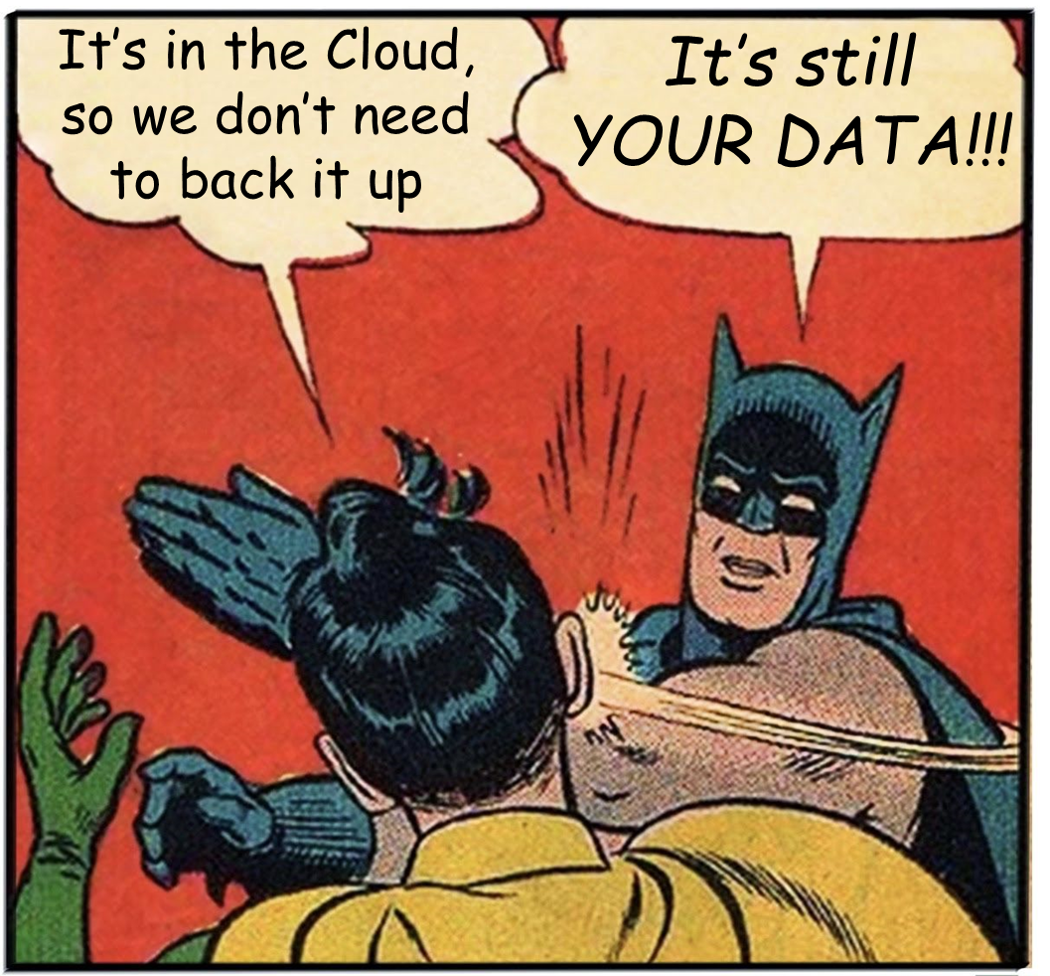
How do you back up Saas? I’d like to know

You can’t have an IT “modernization” discussion without bringing up the cloud. And in the realm of data protection, that comes in a few obvious flavors:

Backup as a Service (BaaS) – where your data is backed up either directly to a cloud provider or first to a local appliance and then to that provider. The latter gives you faster restore and other performance related benefits, but the end result is the same.

Disaster Recovery as a Service (DRaaS) – where entire parts of your infrastructure, usually whole VMs, are replicated to a cloud provider, with the ability for you to bring those VMs online and resume business services from the provider’s infrastructure after a crisis. Some DRaaS solutions even provide BaaS as a side benefit.

Cloud-Storage for your On-Premise Backup – where your existing backup solution is working fine, but you’d like another copy of your data outside of the building – and cloud economics are interesting. Great, add cloud-based storage as a target to your on-premise backup server …or back up (BaaS) your backup server to the cloud. Either way is okay.

But instead of talking about data protection AS a service … what about data protection OF a service?

Many of us put our data into SaaS (software as a service) solutions today – e.g. SalesForce. We assume that SalesForce (or any other SaaS solution) have multiple points of presence on the Internet, and that they have resiliency between sites. The assumption is that if a site were to have a crisis, the other site(s) would still be available. For some large SaaS solutions, that may be enough – though it can still be hard to document (or test) when doing a BC/DR audit.

But what about if the SaaS provider goes dark?

Maybe out of business? Perhaps a victim of Denial of Service attacks or broad data corruption (that is then replicated between sites). What is your plan?

Do you back up the data from your SaaS provider?

In what format(s) is the backup in?

Is the data readable or importable into a platform that you own?

How would you bring the functionality back online?

Most importantly, have you tested that recovery?

This is not a blog post where I offer you answers, but one that I wanted to pose some questions for discussion.

If you’re an IT Pro who backs up and has a validated recovery plan for a SaaS solution, I’d love to hear your comments below (and maybe a phone call next year).

If you are a vendor of technologies that back up SaaS (and we aren’t already talking), ping Lauren to set up some time.

As always, thank you for reading … and Merry Christmas !!

[Cross-posted on ESG’s Technical Optimist.com]

Data Protection in a BYOD World

One of the most complicated areas of data protection in IT today has to be around securing the data on endpoint devices (laptops & tablets).  Frankly, most IT organizations weren’t able to do an effective job of protecting that data when the devices were corporate-owned, but with the myriad devices that are now in use, it is even harder.

But the reality is that, regardless of who purchased the device, it has corporate data on it !!

So, IT has to find new ways to protect its corporate assets without “intruding” on end-users and their own devices.  This includes not just “backup” but also “file sharing” and “device protection.”

I had the opportunity to sit down with Steve Duplessie and talk about where we see the challenges; and what IT can do about it.  Enjoy the video.

As always, thanks for watching.

[Originally posted on ESG’s Technical Optimist.com]